Call options
- ModPlus floating menu or palette
- Menu, toolbar, or ribbon in nanoCAD
- Command line: _mncDimBreak
Icon
Using
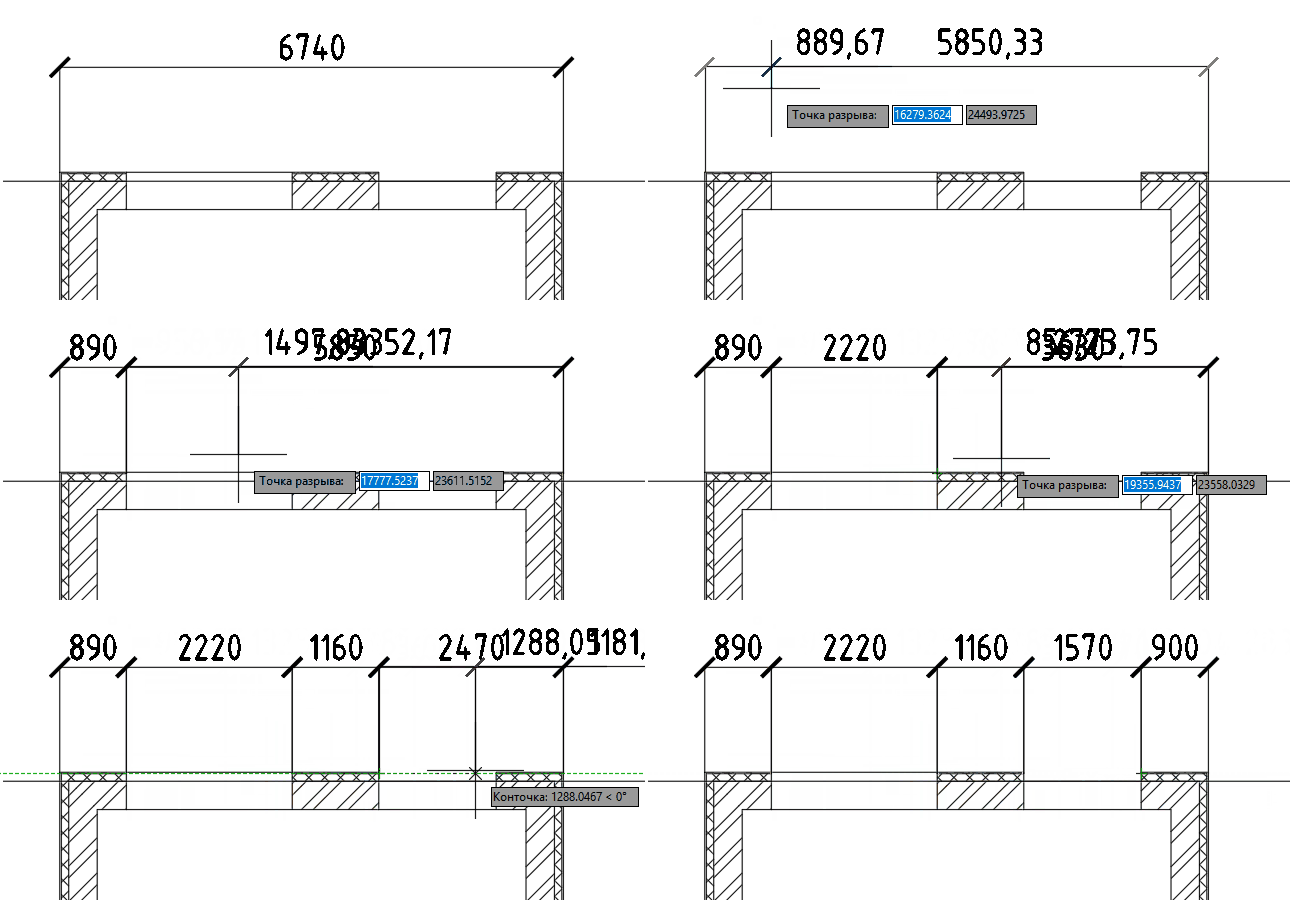
Select dimension: – select the dimension in the current drawing.
Break point: – specify point.
Plugin will work cyclically, until it is interrupted by the user (pressing Esc, space or Enter, or through the context menu). When specifying a point, the size "above this point" will be "torn" into two new dimensions.


