


-
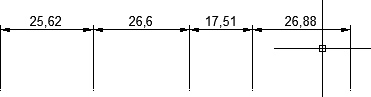
Aligning the extension or dimension lines along the specified straight line
Call options
- ModPlus floating menu or palette
- Menu, toolbar, or ribbon in nanoCAD
- Command line: _mncDimJustif
Icon


Using
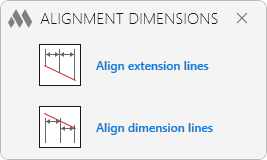
Align extension lines
Select dimensions for alignment of extension lines: – dimensions selection.
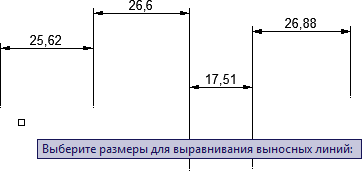
First point of the alignment line: – specify point.
Second point of the alignment line: – specify point.
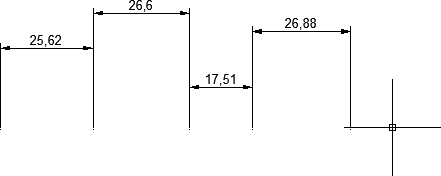
Align dimension lines
Select dimensions for alignment of dimension lines: – dimensions selection.
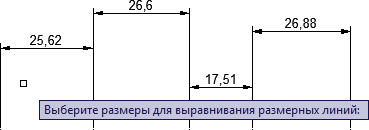
First point of the alignment line: – specify point.
Second point of the alignment line: – specify point.
-