


-
Creating or aligning single-line text in the middle between two specified points
Call options
- ModPlus floating menu or palette
- Menu, toolbar, or ribbon in nanoCAD
- Command line: _mncTxtCenter
Icon


Using
Plugin works in two modes:
- create a new one-line text in the middle between two points
- align the existing one-line text in the middle between two points.
Plugin starts with the mode in which it was completed in the previous use. When the alignment mode of existing single-line text is used, pre-selection processing is used – first select single-line text, then start plugin.
The one-line text "Justification" property is automatically changed to "Middle center".
Plugin is cycled until canceled by the user.
By default, the plugin starts with the mode New.
New:
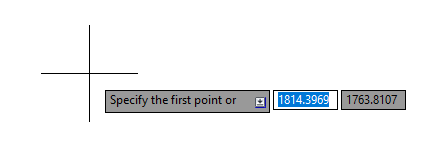
Specify the first point or [Existing]: – specify the first point of the alignment line or go to the Existing mode.
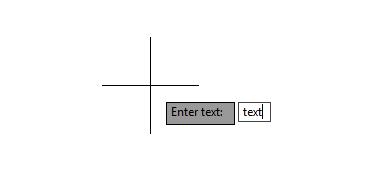
Enter text: – enter text content of the one-line text to be created.
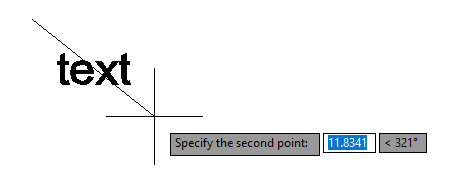
Specify the second point: – specify the second point of the alignment line.
Existing:
Select single line text or [New]: – select an existing single-line text or go to New.
Specify the first point: – specifying the first point of the alignment line.
Specify the second point: – specify the second point of the alignment line.
-